The Sellfy Dilemma: Paying for a Ceiling on Your Own Growth
Sellfy built its reputation on simplicity. Upload your product, set a price, start selling. For creators who wanted an easy store without the complexity of Shopify, Sellfy felt like a relief.
But that simplicity comes with strings attached — strings that tighten as your business grows. Revenue caps that punish your success. Email credits that run out mid-campaign. A $29/month minimum before you've made a single dollar.
The frustration isn't that Sellfy is a bad platform. It's that Sellfy was designed for a version of the creator economy that no longer exists — one where creators sold a handful of products and didn't need to think about scaling.
What You're Actually Paying For
Let's break down what Sellfy costs in 2026:
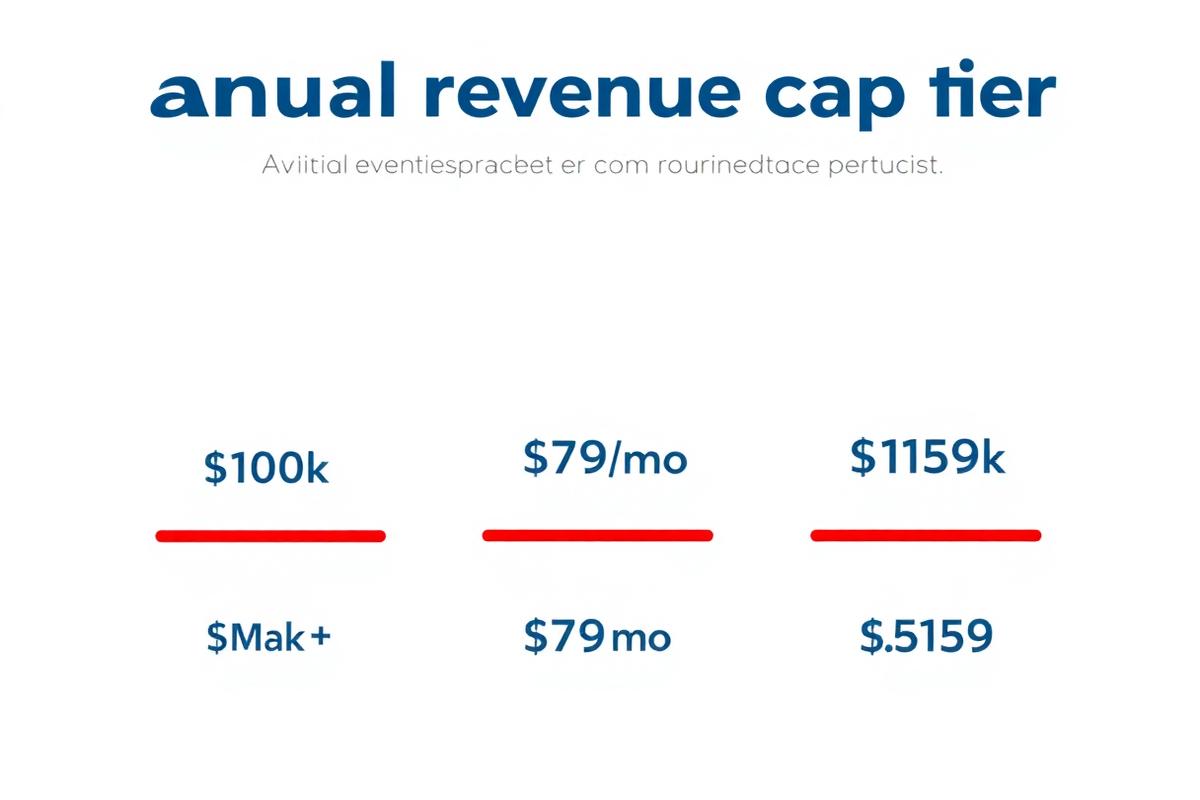
| Sellfy Plan | Monthly Price | Annual Revenue Cap | Email Credits/Month | Overage Penalty |
|---|---|---|---|---|
| Starter | $29/mo | $10,000/year | 10,000 | Forced upgrade |
| Business | $79/mo | $50,000/year | 50,000 | Forced upgrade |
| Premium | $159/mo | $200,000/year | 200,000 | Contact sales |
Notice the pattern: every plan has a ceiling. The moment you outgrow it, you don't negotiate — you pay more. Your success is literally Sellfy's upgrade trigger.
Compare this to Creastor:
| Creastor Plan | Monthly Price | Revenue Cap | Email Subscribers | Transaction Fee |
|---|---|---|---|---|
| Free | $0/mo | Unlimited | Unlimited | 5% |
| Starter | $19/mo | Unlimited | Unlimited | 0% |
| Pro | $39/mo | Unlimited | Unlimited | 0% |
No revenue caps. No email credit limits. No overage fees. Your growth doesn't cost you extra.
Who Should Actually Stay on Sellfy
Sellfy genuinely makes sense if:
If none of those apply, you're likely overpaying for features that actively constrain your business.
The Best Sellfy Alternatives in 2026
1. Creastor — Best for Social-First Digital Creators
Price: Free (5% fee) · $19/mo · $39/mo
Revenue caps: None
Best for: Creators selling digital products from Instagram, TikTok, YouTube, and Twitter
Creastor is built for the modern creator workflow: create a product, list it on your storefront, share your bio link, and get paid. No revenue ceilings, no email credit anxiety, no forced upgrades.
What Creastor offers that Sellfy also offers:
What Creastor offers that Sellfy doesn't:
What Sellfy offers that Creastor doesn't:
Verdict: For digital-first creators, Creastor delivers more features at a lower price with no artificial growth limits. Sellfy's advantage is purely in print-on-demand convenience.
2. Gumroad — Simplest Setup, Highest Ongoing Fees
Price: Free (10% fee)
Revenue caps: None
Best for: Hobbyist creators with low volume who want the simplest possible setup
Gumroad eliminated its paid plans entirely and now charges a flat 10% on every sale. No monthly subscription, no revenue caps. The simplicity is appealing — until you do the math.
On $3,000/month in sales, Gumroad takes $300/month — that's $3,600/year. Creastor Pro at $39/month costs $468/year. You save $3,132 annually by switching.
Gumroad also lacks a bio link storefront, course builder, email sequences, and SEO optimization. Read our full Gumroad comparison for the detailed breakdown.
3. Payhip — Free Plan With a Pricing Cliff
Price: Free (5% fee) · $29/mo (2% fee) · $99/mo (0% fee)
Revenue caps: None
Best for: Creators who want to test products before committing to a subscription
Payhip's free plan matches Creastor's 5% fee, making it a decent starting point. The problem is the pricing cliff: to eliminate transaction fees, you jump from free directly to $99/month. There's no $19 or $39 mid-tier.
Payhip also lacks a bio link storefront, has limited SEO capabilities, and its course builder is basic. See our Payhip comparison for the full analysis.
4. Stan Store — Bio Link Pioneer, Premium Price
Price: $29/mo (5% fee) · $99/mo (5% fee)
Revenue caps: None
Best for: Established creators who want a recognized bio link brand
Stan Store pioneered the bio link commerce space, but it charges 5% transaction fees on top of $29–$99/month subscriptions. There's no free plan, no 0% fee option, and limited customization.
For a deeper dive, read our Stan Store comparison.
5. Shopify — Best for Physical Product Businesses
Price: $39/mo · $105/mo · $399/mo
Revenue caps: None
Best for: Creators running a full ecommerce operation with inventory, shipping, and retail
Shopify is the gold standard for physical product ecommerce, but it's overkill for most digital product creators. The learning curve is steep, the monthly cost adds up with apps and themes, and digital delivery requires third-party plugins.
If you sell physical products as your primary business and digital products on the side, Shopify might make sense. For digital-first creators, it's unnecessary complexity.
Feature Comparison: Sellfy vs Alternatives
| Feature | Sellfy | Creastor | Gumroad | Payhip | Stan Store |
|---|---|---|---|---|---|
| Entry price | $29/mo | Free | Free | Free | $29/mo |
| Transaction fees | 0% | 0% (paid) | 10% | 5% free | 5% |
| Free plan | ❌ (14-day trial) | ✅ | ✅ | ✅ | ❌ |
| Revenue caps | ✅ $10k–$200k | ❌ None | ❌ None | ❌ None | ❌ None |
| Email credit limits | ✅ 10k–200k/mo | ❌ Unlimited | N/A | N/A | N/A |
| Course builder | ❌ | ✅ Full | ❌ | ⚠️ Basic | ⚠️ Basic |
| Digital downloads | ✅ | ✅ | ✅ | ✅ | ✅ |
| Subscriptions | ✅ | ✅ | ✅ | ✅ | ✅ |
| Bio link storefront | ❌ | ✅ | ❌ | ❌ | ✅ |
| SEO-optimized pages | ⚠️ Basic | ✅ Full | ❌ | ❌ | ❌ |
| Print-on-demand | ✅ Built-in | ❌ | ❌ | ❌ | ❌ |
| Order bumps | ⚠️ Upsells | ✅ | ❌ | ❌ | ❌ |
| Promo codes | ✅ | ✅ | ✅ | ✅ | ⚠️ |
| Sales funnels | ❌ | ✅ | ❌ | ❌ | ❌ |
| Custom domain | ✅ | ✅ | ❌ | ✅ | ❌ |
| Age gating | ❌ | ✅ | ❌ | ❌ | ❌ |
The Real-World Cost Comparison
Scenario: Creator earning $4,000/month selling digital products
Sellfy Business ($79/mo) — required because Starter caps at $10k/year:
Creastor Pro ($39/mo):
Annual savings with Creastor: $480
And that's before accounting for the email credits you'd need to buy on Sellfy if you exceed your monthly allocation. Each additional 10,000 email credits costs extra — a cost that doesn't exist on Creastor.
Scenario: Creator hitting $12,000/year in sales
On Sellfy Starter ($29/mo), you've exceeded the $10,000 annual cap. Your options:
On Creastor, nothing changes. You keep selling, keep growing, keep the same $19/month or $39/month price.
The Revenue Cap Problem — Why It Matters More Than You Think
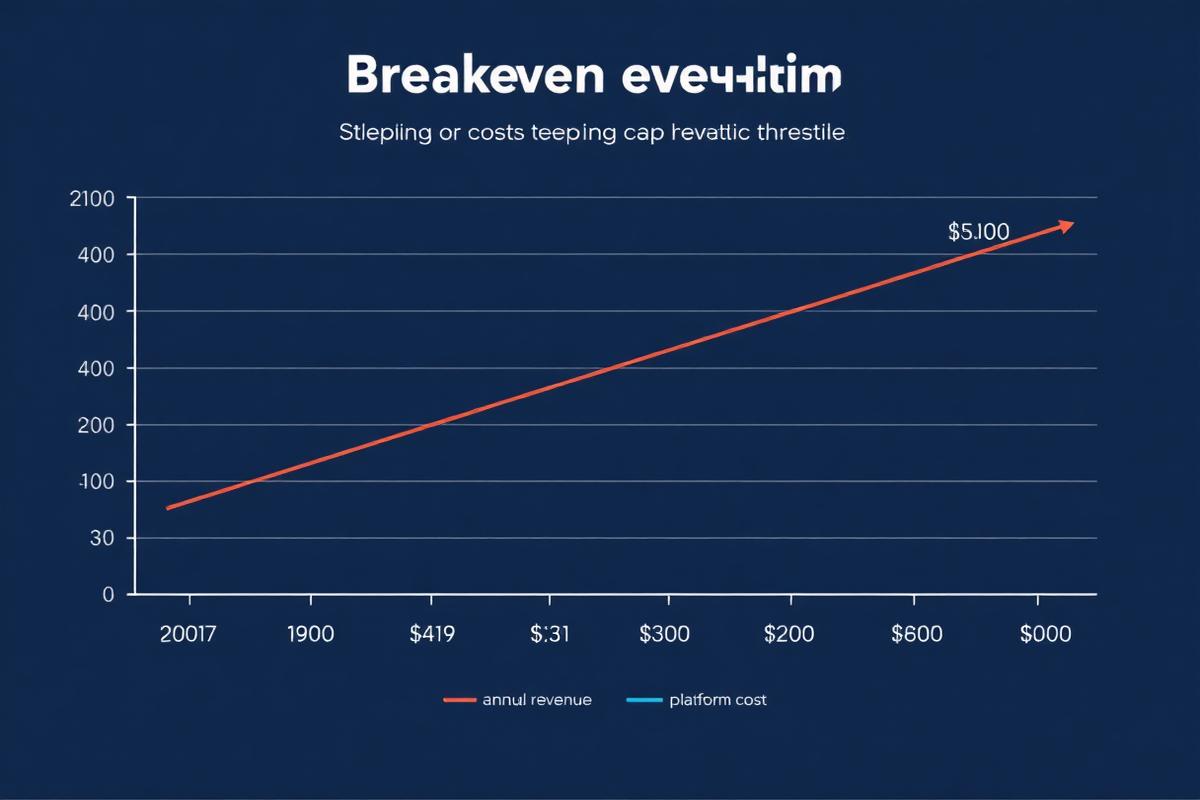
Revenue caps aren't just an annoyance — they fundamentally change how you think about your business. Instead of focusing on growth, you're managing against a ceiling.
The Psychological Tax
When you're on Sellfy's $29/month Starter plan with a $10,000 annual cap, every sale brings you closer to a forced upgrade. A successful product launch in January means you might hit your cap by June — and suddenly your costs triple.
This creates a perverse incentive structure: your platform penalizes you for selling too well.
Compare this to platforms without revenue caps, where a great launch month is purely good news. The mental freedom of knowing your costs won't spike with your success is genuinely undervalued.
The Math Gets Worse at Scale
| Annual Revenue | Sellfy Plan Required | Annual Platform Cost | Creastor Pro Annual Cost | You Save |
|---|---|---|---|---|
| $8,000 | Starter ($29/mo) | $348 | $468 | -$120 |
| $12,000 | Business ($79/mo) | $948 | $468 | $480 |
| $30,000 | Business ($79/mo) | $948 | $468 | $480 |
| $55,000 | Premium ($159/mo) | $1,908 | $468 | $1,440 |
| $100,000 | Premium ($159/mo) | $1,908 | $468 | $1,440 |
At low revenue, Sellfy and Creastor are comparable. The moment you cross $10,000/year, Sellfy's cost structure becomes dramatically more expensive — and the gap widens with every revenue milestone.
Sellfy's Email Marketing: Credits, Not Unlimited Sends
Sellfy includes email marketing on all plans — but it uses a credit-based system. Each email sent costs one credit. Your monthly allocation:
For a creator with 2,000 subscribers sending a weekly newsletter, that's 8,000 emails per month — already consuming 80% of the Starter plan's credits. Add a product launch campaign with a 3-email sequence and you've exceeded your limit.
Additional credits cost extra. This turns email marketing — which should be a growth accelerator — into a resource you need to ration.
On Creastor, email sends are unlimited on all plans. Send as many campaigns, sequences, and automations as your business needs without watching a credit counter.
Read our detailed analysis of Sellfy's email limitations for the full breakdown.
The Print-on-Demand Question
Sellfy's strongest unique feature is built-in print-on-demand. If you sell custom merchandise — t-shirts, hoodies, mugs, phone cases — Sellfy lets you create and sell them without a separate Printful or Printify subscription.
This is genuinely useful if POD is a significant part of your revenue. But consider the trade-offs:
If your business is primarily digital products with occasional merch, the POD convenience doesn't justify the overall platform cost. Use a dedicated POD service for merchandise and Creastor for your digital storefront.
For a deeper look, read our Sellfy POD analysis.
What Sellfy Does Better — Honestly
The Store Builder
Sellfy's store builder is clean and functional. You get a basic website with product listings, a shopping cart, and checkout — it works. For creators who want a standalone online store (not a bio link page), Sellfy's interface is straightforward and requires minimal setup.
Physical + Digital in One Place
If you sell both physical merchandise and digital downloads, Sellfy handles both natively. Inventory management, shipping calculations, and digital delivery all live in one dashboard. Most competitors focus on one or the other.
Embedded Store Widgets
Sellfy offers embeddable buy buttons and product cards you can place on existing websites. If you have a WordPress blog or portfolio site and want to add commerce without building a separate store, this is convenient.
Subscription Support
Sellfy handles recurring subscriptions well — fans can subscribe to receive regular content, and the billing automation is reliable.
How to Choose the Right Sellfy Alternative
Choose Creastor if:
Choose Gumroad if:
Choose Payhip if:
Choose Sellfy if:
Migrating from Sellfy to Creastor
The switch takes under an hour for most creators.
Step 1: Export Your Product Data
Download your product files and customer lists from Sellfy's dashboard.
Step 2: Create Your Creastor Store
Sign up for free → and set up your branding, theme, and bio link.
Step 3: Recreate Your Products
Upload your digital files, set pricing, write descriptions optimized for SEO, and add cover images. Most creators recreate 5–10 products in about 30 minutes.
Step 4: Import Your Email List
Upload your Sellfy subscriber CSV to Creastor's email management. Set up a welcome sequence for the transition.
Step 5: Update Your Links
Replace your Sellfy store URL with your Creastor bio link across all social platforms, email signatures, and website embeds.
For a detailed walkthrough with screenshots, see our complete Sellfy migration guide.
The Bottom Line
Sellfy built a solid product for a simpler era of creator commerce. The store builder works, the checkout is clean, and the built-in print-on-demand is genuinely convenient.
But the revenue caps, email credit limits, and $29/month minimum create a platform that penalizes growth. Every successful sales month brings you closer to a forced, expensive upgrade. That's not how a creator platform should work.
In 2026, creators deserve platforms that scale with them — not against them. No revenue ceilings. No email credit anxiety. No $29/month tax before your first sale.
Try Creastor free — no revenue caps, no credit card →