Selling Digital Products

    How to Sell Ebooks Online Without a Website (Step-by-Step)

    You don't need a website to sell ebooks. Here's how to go from idea to first sale using just your social media bio link.

    9 min readUpdated

    You Don't Need a Website to Sell Ebooks

    The biggest myth in the creator economy is that you need a website to sell digital products. You don't. Millions of ebook sales happen through social media bio links — and with the right platform, you can set up your store in under 10 minutes.
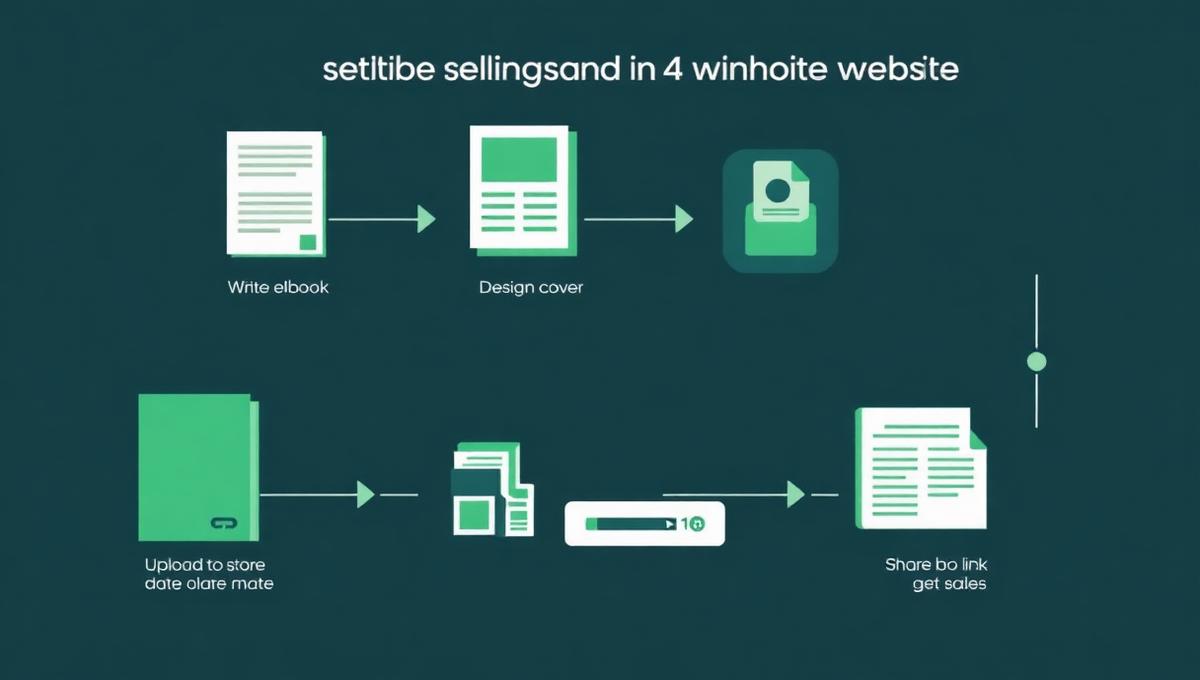
    Step-by-step workflow for selling ebooks online without a website
    Step-by-step workflow for selling ebooks online without a website

    Step 1: Write Your Ebook

    Choosing Your Topic

    Pick a topic at the intersection of:

  1. Your expertise — What do you know well?
  2. Audience demand — What questions do your followers ask?
  3. Searchability — Are people Googling this topic?
  4. Writing Quickly

    You don't need to write a 300-page book. The sweet spot for digital ebooks is 5,000–15,000 words (20–60 pages). That's enough to deliver real value without overwhelming your reader.

    Formatting Your Ebook

  5. Use Canva for beautiful, designed ebooks
  6. Use Google Docs for text-heavy guides
  7. Export as PDF — the universal digital format
  8. Step 2: Design a Cover That Sells

    Your ebook cover is your #1 sales driver. It needs to:

  9. Be readable at small sizes (mobile thumbnails)
  10. Communicate the core benefit clearly
  11. Look professional — no clip art or default fonts
  12. Step 3: Set Up Your Store on Creastor

  13. Create a free account →
  14. Click "Add Product" → select "Digital Download"
  15. Upload your ebook PDF
  16. Add a compelling title and description
  17. Set your price (we recommend $19–$29 for most ebooks)
  18. Upload your cover image
  19. Hit "Publish"
  20. Your store is live. Anyone with the link can buy your ebook, pay securely, and receive their download instantly.

    Copy your Creastor store link and add it to:

  21. Instagram bio
  22. TikTok bio
  23. Twitter/X bio
  24. YouTube channel description
  25. LinkedIn profile
  26. Step 5: Promote Your Ebook

    Content Strategy

    Create content that addresses the same problem your ebook solves:

  27. Share tips from your ebook (give away 20%, sell the other 80%)
  28. Post transformation stories from readers
  29. Create "before and after" content showing the problem and solution
  30. Email List Building

    Every Creastor sale automatically collects the buyer's email address. Use this growing list to:

  31. Announce new products
  32. Share exclusive content
  33. Build long-term relationships with your audience
  34. Why Creastor vs Other Platforms

    FeatureCreastorGumroadStan Store
    Transaction fees (paid plan)0%10%5%
    Website requiredNoNoNo
    SEO-friendly storeYesLimitedNo
    Custom themesYesLimitedLimited
    Email collectionBuilt-inBuilt-inBuilt-in
    Free planYesYesNo ($29/mo)

    Start selling your ebook today →

    Frequently Asked Questions

    Can I sell ebooks without a website?

    Yes. Platforms like Creastor let you sell ebooks directly from your social media bio link. You upload your ebook, set a price, and share your store link — no domain, hosting, or website builder needed.

    What format should my ebook be in?

    PDF is the most universal format. Most ebook buyers expect PDF files because they work on every device. If you're selling fiction, consider also offering EPUB for e-readers.

    #ebooks#sell without website#link in bio#digital downloads